
This post contains affiliate links. If you buy through them, I may earn a small commission at no extra cost to you.
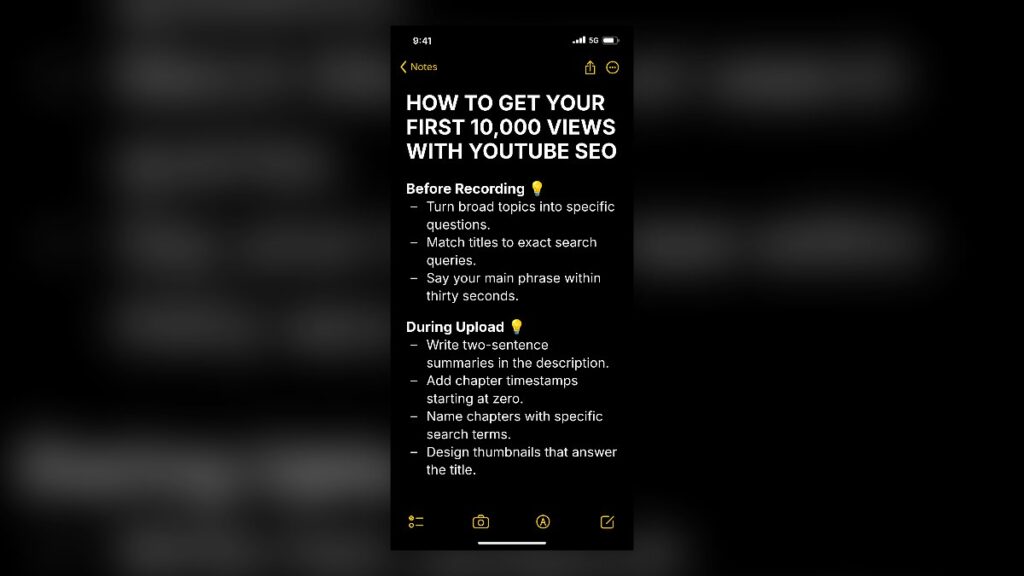
To get your first 10,000 views with YouTube SEO, you must target specific search queries, speak your primary phrase early in the video, and align your metadata directly with viewer intent. Focusing on high-intent search terms allows a brand-new channel to earn consistent organic traffic long before the recommendation algorithm starts promoting your content on the home feed.
Starting a channel often feels discouraging when your upload counter sits at zero. Search optimization provides a clear path forward because it connects your tutorials and guides directly with people actively seeking solutions.
Pre-Production Research and Topic Selection
Search engines prioritize relevance above all else. Preparing your video around a documented user problem ensures that demand already exists before you turn on your camera.
Turning Broad Topics into Specific Questions
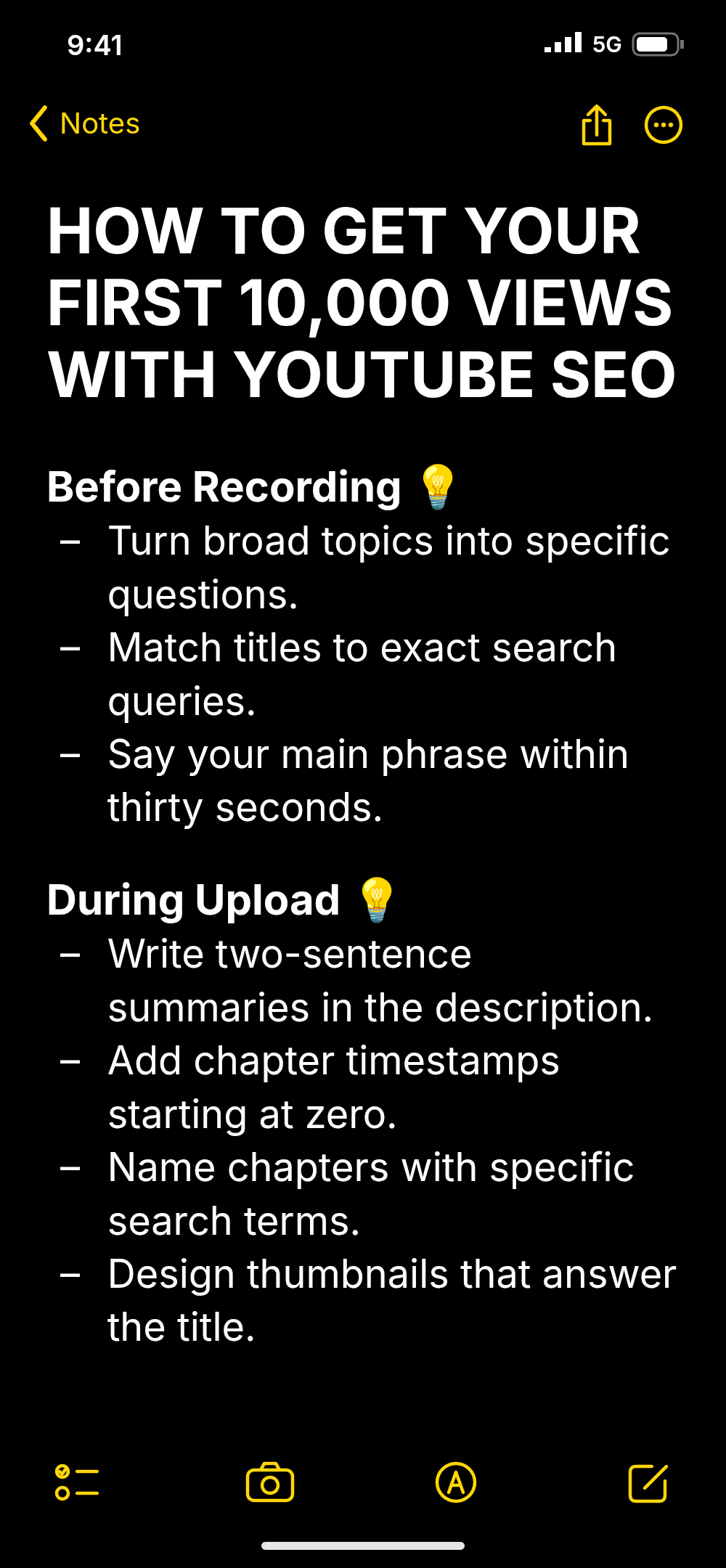
What to do: Break down general niche concepts into distinct, answerable inquiries that address a single issue. Instead of creating a broad guide on digital photography, focus strictly on how to set aperture for night portraits. In practice, type your main topic into the YouTube search bar and note the long-tail autocomplete predictions that appear. A common mistake is tackling an entire subject in one video, which leaves the title too vague to rank against established creators.
Matching Video Titles to Exact Search Queries
What to do: Phrase your working title to mirror the precise wording users submit in the search bar. Use natural phrasing such as “how to fix,” “step by step,” or specific model numbers to match clear intent. In practice, place the exact search phrase at the front of your title so search algorithms and human viewers immediately recognize the relevance. A common mistake is writing poetic or clever titles that hide the actual subject matter from search crawlers.
Aligning Channel Focus with Search Terms
What to do: Keep your channel theme tight so YouTube can categorize your content library correctly. When brainstormed youtube name ideas reflect your broader niche, viewers and algorithms understand your topical authority faster. In practice, review related search phrases in your category and choose three core subtopics to cover consistently during your first twenty uploads. A common mistake is mixing unrelated subjects on the same profile, which confuses indexing systems and dilutes audience retention.
Scripting and On-Camera Keyword Optimization
Modern video platforms do not rely solely on text fields to understand your content. Automated transcriptions evaluate audio tracks to confirm whether a video truly covers what the title promises.
Saying the Target Phrase Within Thirty Seconds
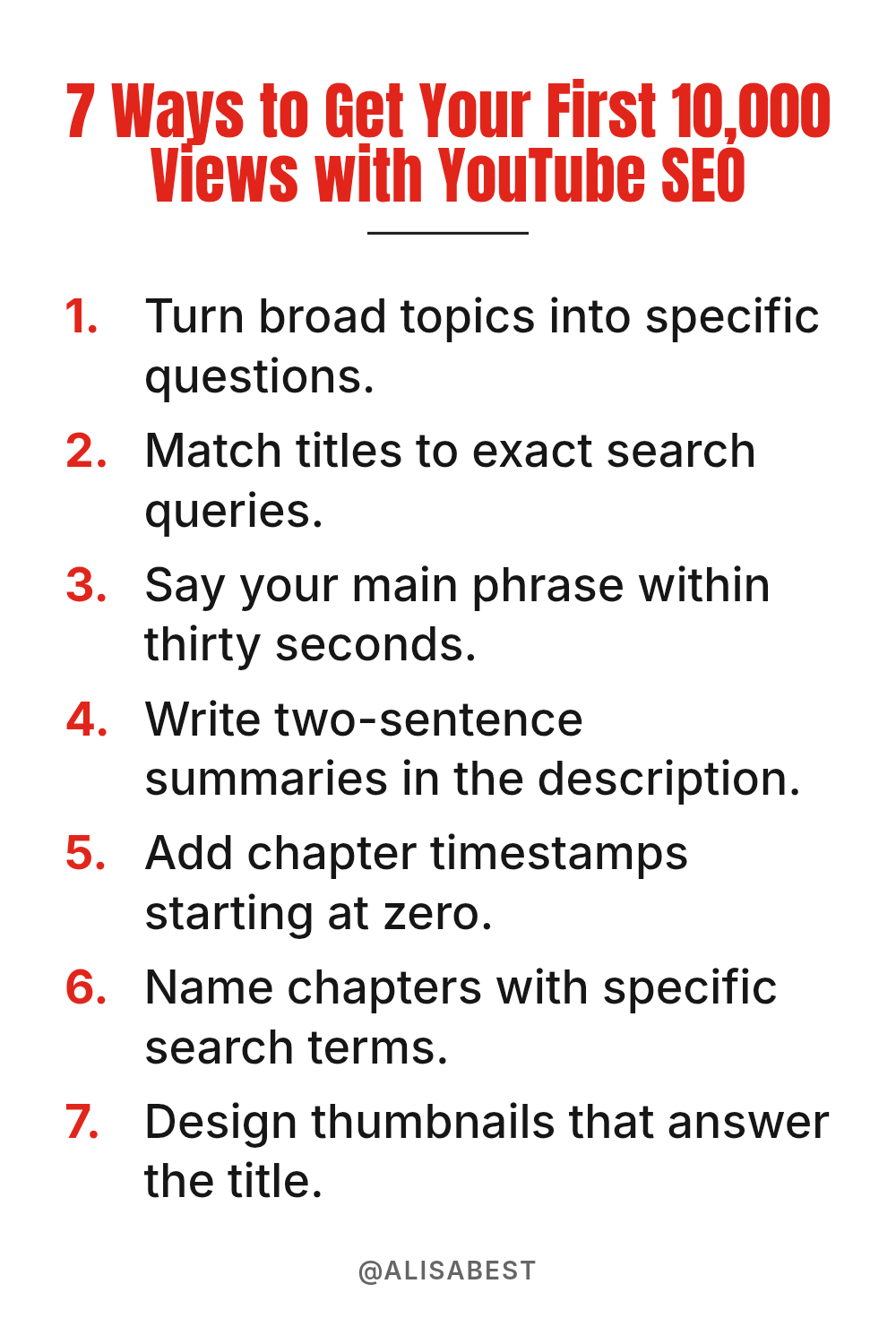
What to do: State your exact keyword phrase out loud during the first half-minute of your recording. In practice, start with a concise hook that restates the viewer’s problem and mentions your solution by its exact name. For example, open by saying, “If you want to master manual focus on your camera, this tutorial covers the exact steps.” A common mistake is spending the first minute on channel introductions, animated logos, or unrelated personal updates, which causes searchers to leave.
Delivering Direct Answers Without Fluff
What to do: Structure your script so the direct solution arrives immediately after the introduction. In practice, outline your points using a clean sequence and avoid tangent stories that do not solve the title’s query. Search users want rapid answers; providing them builds watch time and signals strong satisfaction to search algorithms. A common mistake is withholding the core answer until the end of the video, which usually leads to high early drop-off rates.
Reinforcing Secondary Keywords Naturally in Speech
What to do: Mention related technical terms and synonyms naturally throughout the body of your video. In practice, create a list of three to five supporting phrases during research and weave them into your explanations where they make contextual sense. This helps automated caption systems map your content to broader semantic clusters. A common mistake is reading lists of keywords unnaturally into the microphone, which harms viewer engagement.
Upload Metadata and Structural Optimization
Once your video is exported, the upload page allows you to supply context that confirms your topic. Accurate metadata acts as an index for search bots while guiding users through your material.
Writing Two-Sentence Summaries in the Description
What to do: Draft a clear, two-sentence overview at the very top of your description box summarizing the video’s core value. In practice, include your primary search phrase in the first sentence and a secondary related keyword in the second sentence. Keep this summary above the “Show more” cut-off so both users and spiders see it immediately. A common mistake is leaving the top lines blank or filling them with affiliate links and social media handles before explaining the video.
Adding Chapter Timestamps Starting at Zero
What to do: Insert written timestamps into your description, ensuring the first entry begins at exactly 0:00. In practice, format your list chronologically with a clean text label beside each minute mark, such as “0:00 – Introduction” and “0:45 – Tool Setup.” YouTube uses these markers to generate interactive scrub bars and Google search key moments. A common mistake is omitting the zero timestamp, which prevents the automatic chapter system from activating entirely.
Naming Chapters with Specific Search Terms
What to do: Label each chapter marker using descriptive keywords that answer individual sub-questions. In practice, replace generic labels like “Step 1” or “Tip” with phrase-based titles such as “Adjusting White Balance Indoors.” These descriptive tags allow specific segments of your video to appear independently in search results for granular queries. A common mistake is using vague, one-word timestamps that provide no contextual information to search engines.
Designing Thumbnails That Direct-Answer the Title
What to do: Create an image that visually resolves the question posed in your title. In practice, use clear contrasts, close-up subjects, and no more than three or four bold words that reinforce the primary topic. Searchers look at the graphic to verify that clicking will solve their query efficiently. A common mistake is using clickbait imagery that contradicts the title, which results in instant bounces and lower ranking positions.
Optimizing Metadata: Standard vs. Search-Focused
Small adjustments in upload settings produce significant differences in visibility. The table below illustrates how to refine standard upload habits into search-targeted assets.
| Video Element | Standard Approach | Search-Focused Approach |
|---|---|---|
| Title | My Editing Workflow (Vlog 4) | How to Edit Video Faster: 5 Practical Steps |
| Opening Spoken Words | Hey guys, welcome back to my channel! | In this guide, you will learn how to edit video faster using free tools. |
| Description Top | Follow my Instagram below! | Learn how to edit video faster with this complete workflow breakdown. We cover timeline shortcuts and export presets. |
| First Chapter Mark | 1:15 – First Tip | 0:00 – Intro / 0:35 – Keyboard Shortcuts Setup |
Building Channel Authority to Support Video Search
Search engines evaluate the overall context of your profile when deciding whether to rank your content consistently. A professional presentation builds immediate credibility when searchers visit your channel page.
Reinforcing Topic Focus with YouTube Banner Design
What to do: Create a header graphic that states your posting schedule and core educational focus clearly. A functional youtube banner design tells first-time visitors what specific knowledge they will gain by subscribing to your uploads. In practice, display your primary niche statement across the center area so it remains legible on mobile screens. A common mistake is cluttering the header with complex artwork that fails to communicate the channel topic.
Organizing Content into Thematic Playlists
What to do: Group related youtube videos into curated playlists centered around high-volume search themes. In practice, write keyword-focused titles and descriptions for each playlist rather than using generic names like “Uploads.” Playlists appear independently in search results and encourage session watch time by automatically playing the next relevant lesson. A common mistake is leaving uploads unorganized, forcing interested viewers to search through your entire library manually.
To identify high-demand topics and monitor your exact tag rankings against competitors, Try Vidiq Free at here. Using dedicated keyword analytics makes it easier to spot low-competition search phrases before you invest time into recording.

Tracking Search Metrics and Updating Content
Reaching your first 10,000 views requires reviewing analytics to understand how viewers interact with your content. Regular maintenance keeps your library active over months of search demand.
Reviewing Search Terms in Channel Analytics
What to do: Examine the YouTube Studio traffic sources report to see the precise queries bringing viewers to your videos. In practice, navigate to the reach tab of your top-performing upload and inspect the “YouTube Search” card. You will often discover related search phrases that you did not anticipate during initial planning. A common mistake is ignoring these reports after publishing, which prevents you from finding ideas for follow-up videos.
Refreshing Underperforming Titles and Thumbnails
What to do: Update the graphic and headline of videos that earn search impressions but generate low click-through rates. In practice, if an upload maintains impressions but sits below a 4% click rate, test a clearer image that highlights the primary keyword more prominently. Give the change two weeks to collect new data before making additional modifications. A common mistake is deleting and re-uploading the file, which erases accumulated watch history and search rank.
FAQ
How long does it take to get 10,000 views through YouTube search?
The timeline depends on search volume and competition within your selected topic. Evergreen search terms accumulate views gradually, often taking several weeks or months of steady daily traffic to reach milestone numbers. Channels that target specific, low-competition queries reach this threshold faster than those chasing saturated topics.
Do video tags still impact search rankings on YouTube?
Tags play a minimal role in modern search optimization compared to your title, description, and spoken dialogue. YouTube states that tags are primarily useful for addressing common spelling errors made by searchers. Focus the majority of your optimization efforts on clear scripts, matching titles, and detailed timestamps.
Can a brand-new channel outrank established creators in search?
Yes, smaller channels can rank higher by targeting specific long-tail queries that larger channels ignore. When your video answers an exact question directly and maintains strong viewer retention, search algorithms will prioritize your solution. Providing higher topical relevance for a precise query allows new uploads to compete effectively.
Conclusion
Getting your first 10,000 views with YouTube SEO comes down to answering specific viewer questions, speaking your keywords early, and formatting your upload details with precision. As searchers find your practical solutions, your library builds steady, predictable traffic that supports channel growth over the long run.
Your next step is simple: open the YouTube search bar, type your main topic, and select one specific autocomplete query to script as your next tutorial today.